- Unlocking Scalability with Shopify Plus B2B
- Key Operational Advantages:
- Diagnosing Legacy Wholesale Portal Deficiencies
- Common Bottlenecks Include:
- Migration Decision Criteria: Risk & Capacity
- Key Considerations:
- Strategic Migration to Shopify Plus B2B: A Phased Plan
- Migration Phases:
- Pre-Launch Validation: Mitigating Migration Risks
- Key Validation Areas:
- Maximizing Native Shopify Plus B2B Features
- Key Features to Utilize:
- Common Pitfalls in B2B E-commerce Migrations
- Operational Checklist for Shopify Plus B2B Implementation
- Post-Launch Success: Measuring & Optimizing
- Key Measurement Areas:
- Ready to Migrate Your B2B Operations to Shopify Plus?
- Related Shopify and Ecommerce Growth Guides
- Authoritative References
Legacy wholesale portals introduce significant operational bottlenecks and prevent full utilization of native Shopify Plus B2B features. This guide provides a direct, actionable framework for upgrading your B2B operations, ensuring enhanced scalability and efficiency.
Unlocking Scalability with Shopify Plus B2B
Shopify Plus B2B is a comprehensive platform designed for wholesale operations, integrating natively with your retail store. It consolidates customer data, streamlines order processing, and offers advanced pricing rules, eliminating the need for disparate systems and custom workarounds. This unified approach drives significant operational efficiencies. For a deeper dive into the platform's capabilities, refer to the official Shopify Plus overview.
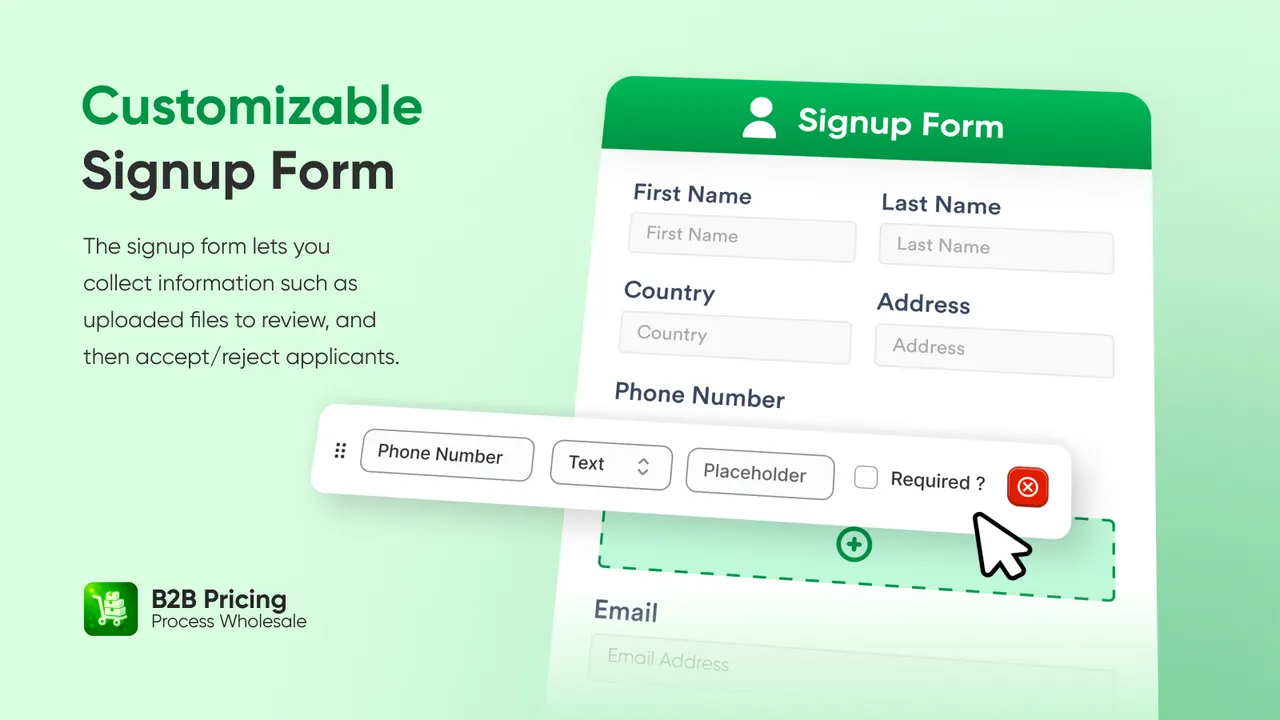
Shopify Plus B2B natively integrates wholesale functionalities directly into a single platform. It offers advanced pricing, custom catalogs, company accounts, and self-serve ordering, eliminating the need for separate wholesale applications. This consolidation streamlines operations, enhances customer experience, and leverages Shopify Plus's robust infrastructure for B2B growth. You can explore detailed B2B features in the Shopify B2B documentation.
Key Operational Advantages:
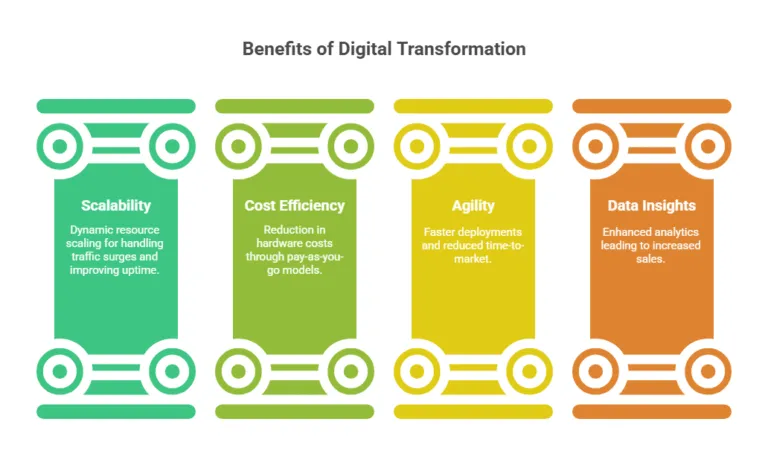
- Unified Platform: Manage B2B and D2C from one admin.
- Streamlined Workflows: Automated order processing, inventory sync, and customer management.
- Data Centralization: Single source of truth for all customer and order data.
Diagnosing Legacy Wholesale Portal Deficiencies
Outdated systems often lead to fragmented data, manual processes, and limited scalability, directly impacting an operations manager's ability to drive efficiency. Understanding these deficiencies is the first step towards a successful Shopify legacy migration.
Common Bottlenecks Include:
- Manual Data Entry: Transferring orders, customer details, or inventory updates between systems.
- Limited Self-Service: Customers cannot view past orders, reorder, or manage account details independently.
- Inflexible Pricing: Difficulty implementing tiered pricing, custom discounts, or volume-based rates without manual intervention.
- Integration Challenges: Poor connectivity with ERP, CRM, or shipping solutions, leading to data silos.
- High Maintenance Costs: Custom-built solutions often require specialized development for updates or bug fixes.
Migration Decision Criteria: Risk & Capacity
Before embarking on a Shopify Plus B2B migration, it's crucial to assess your business's readiness and potential risks. This involves evaluating your current system's limitations against your growth objectives, team capacity, and budget.
Key Considerations:
- Business Growth Objectives: Are current systems hindering expansion into new markets or product lines?
- Operational Efficiency: What are the quantifiable costs of manual processes and data silos?
- Team Capacity & Expertise: Does your internal team have the bandwidth and skills for a complex migration, or will external Shopify Plus consulting be required?
- Budget Allocation: Understand the total cost of ownership, including platform fees (verify contract-specific pricing with Shopify), development, and ongoing maintenance.
- Risk Tolerance: Identify potential disruptions to sales, customer experience, and data integrity during the transition.
Strategic Migration to Shopify Plus B2B: A Phased Plan
Migrating to Shopify Plus B2B requires a structured, phased approach to minimize disruption and maximize feature adoption. Planning is crucial for a successful transition, with clear timelines, ownership, and rollback checkpoints.
Migration Phases:
-
Discovery & Planning (Phase 1):
- Define B2B requirements, map existing data, and identify necessary customizations.
- Establish a detailed project plan with clear milestones, resource allocation, and a communication strategy.
- Define success metrics and rollback procedures.
-
Data Migration & Configuration (Phase 2):
- Data Migration: Transfer customer accounts, order history, product catalogs, and pricing rules. This is a critical phase requiring precision. Consider an expert Shopify data migration service to ensure data integrity.
- Configuration: Set up company accounts, buyer roles, pricing lists, payment methods, and shipping profiles within Shopify Plus B2B.
-
Testing & Validation (Phase 3):
- Conduct comprehensive UAT (User Acceptance Testing) for all B2B workflows, from order placement to fulfillment.
- Perform integration testing with ERP, CRM, and shipping solutions.
- Validate data accuracy post-migration.
-
Launch & Post-Launch Optimization (Phase 4):
- Go live with a carefully planned cutover strategy.
- Monitor performance closely, addressing any immediate issues.
- Iterate for continuous improvement based on feedback and performance data.
Pre-Launch Validation: Mitigating Migration Risks
Thorough validation before launch is paramount to prevent costly post-migration issues, especially concerning SEO, analytics, and data integrity.
Key Validation Areas:
- SEO Risks:
- Redirects: Implement 301 redirects for all old URLs to their new Shopify Plus counterparts to preserve search rankings.
- Canonical Tags: Verify correct canonical tags are in place to prevent duplicate content issues.
- Indexing: Ensure search engines can crawl and index your new B2B content effectively. Consider a Shopify B2B technical SEO audit.
- Meta Data: Review and optimize titles, meta descriptions, and image alt text for B2B products and pages.
- Analytics & Tracking:
- Verify Google Analytics 4 (GA4) and other tracking scripts are correctly implemented across all B2B flows.
- Test event tracking for key B2B actions (e.g., quote requests, company account logins).
- Checkout & Payment:
- Conduct end-to-end testing of the B2B checkout process, including custom pricing, payment terms (Net 30/60/90), and shipping options.
- Ensure all payment gateways are configured and functioning correctly.
- Data Integrity:
- Perform spot checks on migrated customer accounts, order histories, and product data to confirm accuracy.
- Validate that pricing lists and discounts are applied as intended.
Maximizing Native Shopify Plus B2B Features
Leveraging Shopify Plus B2B's native capabilities reduces reliance on third-party apps and custom development, streamlining operations and reducing technical debt.
Key Features to Utilize:
- Company Accounts: Create dedicated accounts with multiple buyers and assign specific roles and permissions.
- Pricing Lists: Implement custom pricing for different companies or customer segments, including net terms and volume discounts.
- Quick Order Lists: Enable buyers to rapidly reorder or build large orders from SKU lists.
- Self-Serve Portal: Allow B2B customers to manage their profiles, track orders, and view order history without direct operational intervention.
- Payment Terms: Offer flexible payment options, including net 30/60/90, directly within the checkout flow.
Common Pitfalls in B2B E-commerce Migrations
Avoiding these common mistakes ensures a smoother transition and prevents future operational headaches.
- Underestimating Data Complexity: Incorrectly migrating customer data or pricing structures can lead to major post-launch issues.
- Neglecting User Training: Failing to train B2B customers and internal teams on the new platform's features and workflows.
- Over-Customization: Excessive custom development where native features suffice adds complexity and maintenance costs.
- Ignoring Integration Requirements: Not fully mapping out integrations with ERP, CRM, or accounting systems from the start.
- Inadequate Testing: Rushing the UAT phase can lead to critical bugs impacting customer experience and operational efficiency.
Operational Checklist for Shopify Plus B2B Implementation
Follow this checklist to ensure a robust and efficient Shopify Plus B2B rollout.
- Define B2B Buyer Personas: Understand diverse customer needs and tailor configurations accordingly.
- Map Current Workflows: Document existing order, fulfillment, and customer management processes to identify optimization opportunities.
- Cleanse & Prepare Data: Standardize and validate all customer, product, and pricing data for migration. This is a critical step for data integrity.
- Configure Company Locations & Users: Set up all B2B accounts, assign roles, and define permissions accurately.
- Establish Pricing Lists & Payment Terms: Implement all required B2B pricing tiers, discounts, and payment methods.
- Integrate Key Systems: Connect Shopify Plus B2B with your ERP, CRM, and fulfillment partners.
- Conduct Comprehensive UAT: Test every B2B scenario, including order creation, reordering, payment processing, and account management, with actual B2B users.
- Develop Training Materials: Create guides for internal teams and B2B customers on using the new platform.
- Plan Go-Live Strategy: Define the cutover process and communication plan for B2B customers. For complex implementations, consider professional Shopify Plus Consulting to guide strategy and execution.
Post-Launch Success: Measuring & Optimizing
A successful migration doesn't end at launch. Continuous monitoring and optimization are vital to realize the full ROI of your Shopify Plus B2B investment.
Key Measurement Areas:
- Conversion Rates: Track B2B order conversion rates, quick order list usage, and quote-to-order ratios.
- Site Speed & Performance: Monitor page load times and overall site performance, especially for high-traffic B2B sections.
- Search Engine Indexing: Regularly check Google Search Console for any crawling errors, indexing issues, or broken links.
- Revenue & AOV: Analyze B2B revenue growth, average order value (AOV), and customer lifetime value (CLTV). Consider strategies like AI ecommerce personalization to boost AOV.
- User Feedback: Gather qualitative feedback from B2B customers and internal teams to identify areas for improvement.
Monitor & Optimize Post-Launch: Track key metrics, gather feedback, and iterate on configurations to continuously improve B2B operations.
Ready to Migrate Your B2B Operations to Shopify Plus?
Navigating a Shopify Plus B2B migration requires expertise in platform capabilities, data integrity, and strategic planning. If you're considering an upgrade, a comprehensive audit can identify potential risks and opportunities specific to your business. Contact us today for a Shopify Plus cost, SEO, or migration audit to ensure a seamless transition and unlock your B2B growth potential.
Related Shopify and Ecommerce Growth Guides
Continue with these related guides if you want to connect the strategy to implementation, SEO risk, performance, or conversion impact.
- Shopify Plus Redesign Strategy: CRO & Migration Guide
- Shopify Plus Data Migration Service: WooCommerce to Plus Guide
- Shopify Legacy Migration: Boost ROI & Avoid Data Loss [2024 Guide]
- AI Ecommerce Personalization: Boost AOV on Shopify Plus
- Shopify B2B Technical SEO: Scale Wholesale Traffic
Authoritative References
Use these official resources to verify platform-specific claims and implementation details before making commercial or technical decisions.
Frequently Asked Questions
What are the main benefits of migrating to Shopify Plus B2B from a legacy system?
Migrating to Shopify Plus B2B unifies your retail and wholesale operations on a single platform, eliminating data silos and manual processes. It enhances scalability, streamlines order management, offers advanced pricing, and provides a superior self-service experience for B2B customers, leading to significant operational efficiencies and reduced maintenance costs.
How does Shopify Plus B2B handle complex pricing structures for wholesale customers?
Shopify Plus B2B offers robust native capabilities for managing complex pricing structures, significantly reducing the need for manual overrides or third-party apps. It allows businesses to create multiple pricing lists, each tailored to specific company accounts, customer segments, or even individual buyers. These lists can incorporate various discount types, including percentage-based, fixed amount, or volume-based pricing, where prices change based on the quantity purchased. Furthermore, businesses can define net payment terms (e.g., Net 30, Net 60) directly within the platform, offering flexible payment options to their wholesale clients. This native functionality ensures that B2B customers see their specific, negotiated pricing and terms automatically at checkout, streamlining the purchasing process and minimizing pricing errors. The system also supports quick order lists, enabling rapid reordering based on pre-defined catalogs and pricing.
What are the critical steps for a successful Shopify Plus B2B migration?
A successful migration involves several critical phases: discovery and planning, precise data migration (customer accounts, orders, products), thorough configuration of B2B features like company accounts and pricing lists, comprehensive user acceptance testing (UAT), and a well-executed launch followed by continuous optimization.
Can Shopify Plus B2B integrate with existing ERP or CRM systems?
Yes, Shopify Plus B2B is designed for robust integration. It offers a powerful API that allows seamless connection with various external systems, including Enterprise Resource Planning (ERP) for inventory and order management, Customer Relationship Management (CRM) for sales and customer data, and accounting software. This ensures data consistency and automates workflows across your entire business ecosystem.

Ecommerce manager and Shopify Plus consultant helping teams plan migrations, improve storefront performance and review conversion opportunities.