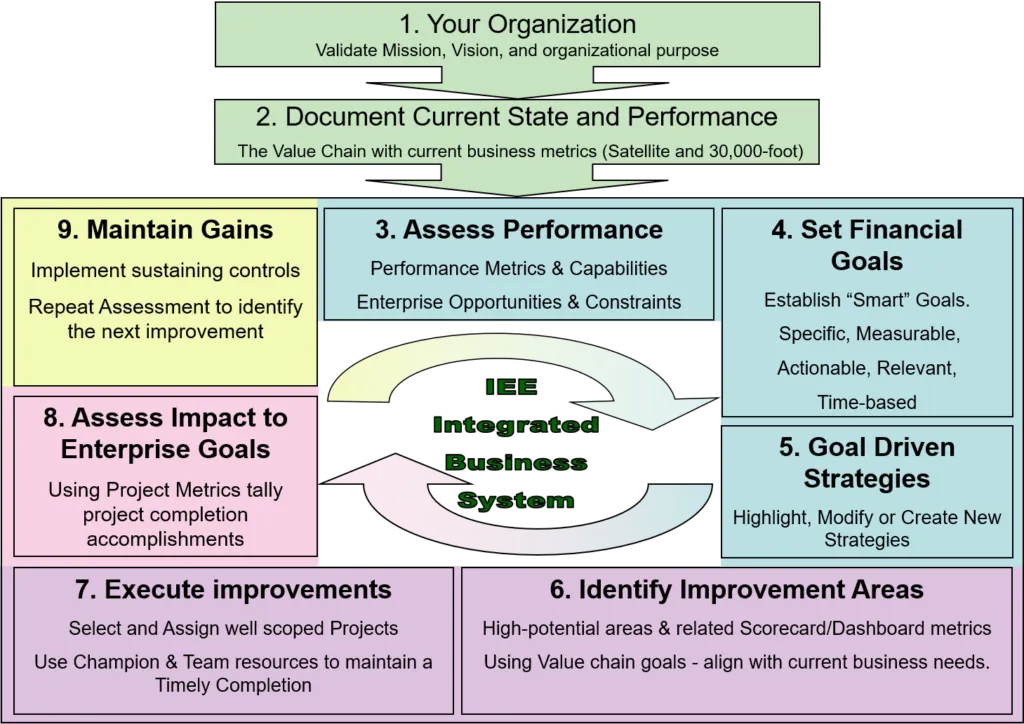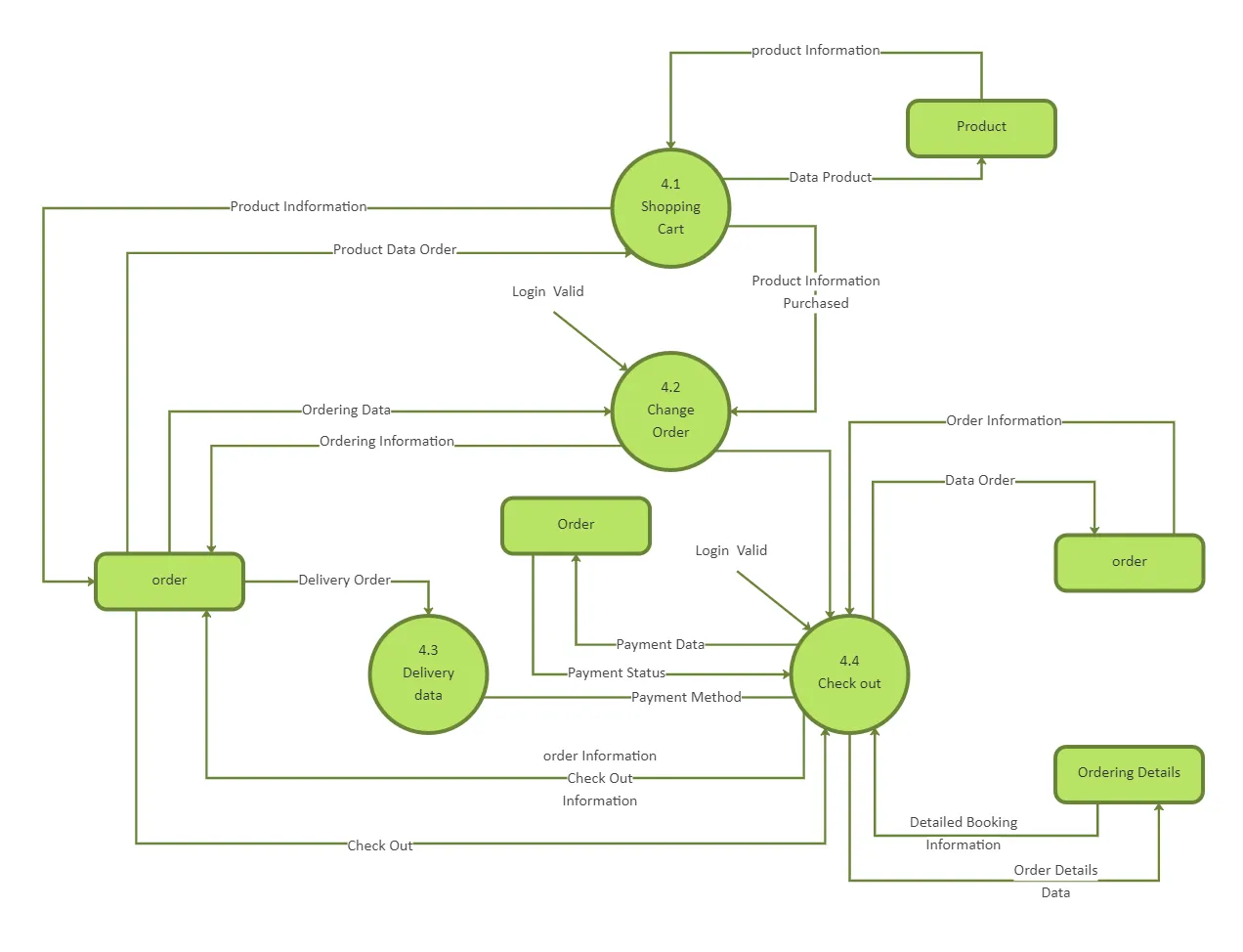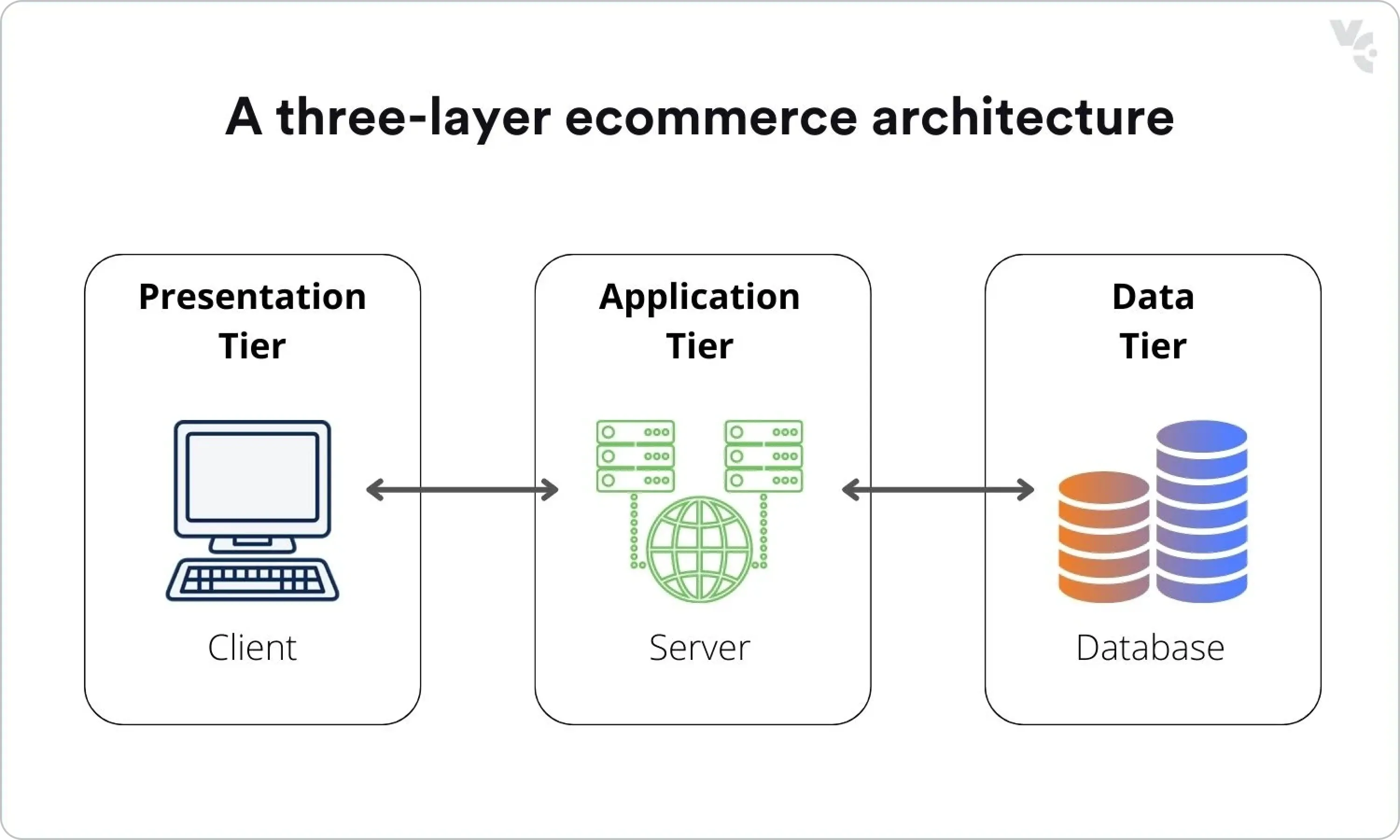
- Migration Decision Criteria by Business Risk and Team Capacity
- Phase 1 Architecture: Configuring Shopify Standard to Prevent Future Data Schema Drift
- The Data Migration Blueprint: Mapping Customers, Orders, and Products for Seamless Plus Upgrades
- Theme and App Selection: Building a Plus-Compatible Tech Stack During the Transition Phase
- Phased Implementation Plan: Timeline, Ownership, and Rollback Checkpoints
- Timeline and Ownership
- Rollback Checkpoints
- SEO, Analytics, Checkout, and Data-Migration Risks to Validate Before Launch
- Phase 2 Trigger Metrics: When to Execute Your Migrate to Shopify Plus Plan
- The Plus Migration Checklist: Upgrading Checkout, Launchpad, and B2B Features Without Downtime
- Common Mistakes to Avoid
- How to Implement the Upgrade
- Post-Launch Measurement Plan: Conversion, Speed, Indexing, and Revenue
- Optimize Your Replatforming Strategy
- Authoritative References
- Related Shopify and Ecommerce Growth Guides
Mid-market e-commerce brands on failing legacy platforms need to migrate immediately to reduce high maintenance overhead but often lack the upfront CapEx for an enterprise-level launch. This guide provides a technical, phased blueprint to transition to Shopify Standard today while preserving your data architecture and tech stack for a seamless, zero-redundancy upgrade to Shopify Plus later.
Migration Decision Criteria by Business Risk and Team Capacity
Before embarking on a replatforming journey, enterprise operators must evaluate whether a direct-to-Plus migration or a staged transition is the most viable path. This decision hinges on two primary vectors: business risk and internal team capacity.
- Business Risk: If your legacy platform is highly unstable, experiencing frequent downtime, or costing excessive maintenance fees, an immediate transition is critical. A staged migration allows you to mitigate this risk quickly without waiting for the longer procurement and development cycles typical of enterprise-level launches.
- Team Capacity: Enterprise migrations demand significant bandwidth from your product, development, and marketing teams. If your team is already stretched thin, attempting a full-scale Shopify Plus migration with complex B2B integrations and custom checkouts can lead to project delays. Starting with Shopify Standard reduces the initial launch scope, allowing your team to adapt to the new ecosystem incrementally.
For a deeper dive into structuring this transition, review our comprehensive guide on the Shopify Plus Migration Strategy: Phased Implementation Plan.
Phase 1 Architecture: Configuring Shopify Standard to Prevent Future Data Schema Drift
A shopify transition + later migration phased implementation plan is a two-step replatforming strategy where a brand deploys Shopify Standard to escape legacy platform costs immediately, using strict data mapping and modular app stacks to ensure a seamless upgrade to Shopify Plus later without rebuilding code or re-migrating databases.
To prevent costly rework during your eventual upgrade, your initial Shopify Standard database setup must align with Shopify Plus schemas. Avoid custom fields that require proprietary middleware; instead, use standard native objects. Review the standard Shopify pricing plans to understand the baseline features available during this initial phase.
- Use standard metafields rather than third-party meta-tagging apps to store custom product specifications.
- Keep your customer registration fields restricted to Shopify's default schema to avoid database misalignment during the Plus upgrade.
- Configure tax and shipping settings using native Shopify engines rather than hard-coded API overrides.
- If you need professional migration assistance to structure this correctly, consider utilizing a specialized Shopify migration service to prevent data schema drift.
The Data Migration Blueprint: Mapping Customers, Orders, and Products for Seamless Plus Upgrades
Migrating your historical data in a structured format prevents duplicate customer records and broken order histories when transitioning from platforms like Magento or Salesforce.
- Product Handles: Keep exact URL handles from your legacy store to preserve SEO equity and prevent 404 errors.
- Customer IDs: Map your legacy system's unique identifier to a Shopify customer metafield to simplify future ERP integrations.
- Order History: Limit your initial import to the past 2 to 3 years of active customer data to reduce database bloat, archiving older records in a cold storage warehouse.
- Password Migration: Since passwords cannot be exported, plan a phased customer activation email campaign post-launch using Shopify's native invitation tool.
If you are managing complex wholesale operations, aligning your data schema early is critical. Learn more in our guide on Shopify B2B Technical SEO: Scale Wholesale Traffic.
Theme and App Selection: Building a Plus-Compatible Tech Stack During the Transition Phase
Choosing the wrong theme or apps during Phase 1 will force a complete rebuild during Phase 2. To avoid this, restrict your tech stack to Online Store 2.0 (OS2.0) themes and native-compatible apps.
- Theme Architecture: Select a highly performant, OS2.0-compliant theme that supports native app blocks, and apply custom Shopify theme optimization to ensure fast load times under high traffic.
- Subscription Apps: Use apps that leverage Shopify's native checkout engine rather than legacy hijacked checkouts.
- ERP and CRM Connectors: Use middleware or iPaaS solutions that connect via Shopify's standard Admin API, which remains unchanged when upgrading to Plus.
- Avoid Custom Checkouts: Do not attempt custom checkout workarounds on Shopify Standard; wait for Shopify Plus to utilize Checkout Extensibility. Once on Plus, you can leverage advanced CRO for Shopify Plus: Boost Sales with UI Extensions to maximize conversion rates.
Phased Implementation Plan: Timeline, Ownership, and Rollback Checkpoints
A successful staged replatforming requires a disciplined timeline, clear ownership, and robust rollback checkpoints to mitigate operational risk.
Timeline and Ownership
- Weeks 1-4: Discovery & Data Mapping (Lead: Solutions Architect). Map legacy database schemas to Shopify's native objects. Establish the baseline SEO redirect strategy.
- Weeks 5-8: Theme Development & App Integration (Lead: Frontend Developer). Build the OS2.0 theme and integrate essential apps for subscriptions, ERP, and email marketing.
- Weeks 9-10: User Acceptance Testing & Delta Migration (Lead: QA Lead). Run end-to-end transaction tests, validate checkout flows, and perform the final delta data migration.
- Weeks 11-12: Launch & Post-Launch Monitoring (Lead: Project Manager / SEO Specialist). Execute DNS switch, monitor indexing, and track conversion rates.
Rollback Checkpoints
To ensure business continuity, establish clear rollback checkpoints during the launch window. If critical payment gateways fail or ERP syncs break during the first 2 hours of launch, the team must be prepared to revert DNS records to the legacy platform. Maintain a strict freeze on legacy database writes during the cutover window to prevent data loss in the event of a rollback.
SEO, Analytics, Checkout, and Data-Migration Risks to Validate Before Launch
Before pointing your domain to Shopify, you must validate several high-risk areas to protect your organic traffic and revenue:
- SEO Redirects: Ensure all legacy URLs are mapped to their new Shopify equivalents using 301 redirects. Test redirect chains to prevent loss of link equity.
- Analytics Tracking: Validate that Google Analytics 4 (GA4) and Facebook Pixel tracking are firing correctly across the entire funnel, especially on the checkout and thank-you pages.
- Checkout Validation: Run real credit card transactions to verify that payment gateways, tax calculations, and shipping rates are processing accurately.
- Delta Data Migration: Perform a final delta migration immediately before launch to capture any customers or orders created on the legacy platform during the migration window.
Phase 2 Trigger Metrics: When to Execute Your Migrate to Shopify Plus Plan
Do not guess when to upgrade; use clear financial and operational metrics to justify the Shopify Plus licensing costs to your leadership team. Note that Shopify Plus pricing is subject to contract-specific terms, so you should always verify current enterprise rates directly on the official Shopify Plus pricing page.
- GMV Threshold: Upgrade when your annual GMV crosses a threshold where transaction fee savings on the enterprise tier offset the higher monthly licensing fee.
- International Expansion: Upgrade when you require more than 3 expansion stores to manage localized inventory, pricing, and currencies seamlessly.
- B2B Sales Volume: Upgrade when wholesale/B2B represents a significant portion of your total revenue, allowing you to use native Shopify B2B features. For more details, see our Shopify Plus B2B: Enterprise Wholesale Guide.
- Checkout Customization Needs: Upgrade when your conversion rate optimization strategy requires custom scripts and advanced checkout modifications.
The Plus Migration Checklist: Upgrading Checkout, Launchpad, and B2B Features Without Downtime
When you hit your trigger metrics, execute the final upgrade step-by-step to prevent operational downtime. Review the Shopify Plus overview to align your team on the enterprise features available post-upgrade.
Common Mistakes to Avoid
- Mistake 1: Running parallel checkouts during the upgrade, which causes inventory sync failures.
- Mistake 2: Hardcoding scripts into checkout templates instead of using modern Shopify Functions and Checkout Extensibility.
- Mistake 3: Failing to pre-warm your API limits before running high-volume flash sales on Launchpad.
How to Implement the Upgrade
- Request API Limit Increases: Contact your Shopify Account Manager to double your API rate limits for ERP, WMS, and CRM integrations.
- Deploy Shopify Functions: Replace any manual discounts or shipping workarounds with native Shopify Functions to handle complex pricing logic at checkout.
- Configure Shopify Organization Admin: Set up your multi-store management console to control user permissions and analytics across all regional expansion stores.
- Migrate B2B Accounts: Import your wholesale customer lists and assign custom price lists using native B2B company profiles. For a step-by-step walkthrough, refer to our Shopify Plus Wholesale Channel Migration Guide.
- Build Automation Workflows: Set up Shopify Flow to automate order risk analysis, inventory alerts, and customer tagging.
- Schedule Launchpad Campaigns: Pre-schedule your first major sales event using Launchpad to automate theme changes, inventory releases, and discount codes.
- Conduct End-to-End Testing: Run test transactions across all payment gateways, ERP connections, and shipping providers before going live.
Post-Launch Measurement Plan: Conversion, Speed, Indexing, and Revenue
Once your staged migration is live, establish a continuous measurement plan to track performance and validate your ROI:
- Conversion Rate: Monitor checkout completion rates daily to identify any friction points introduced by the new checkout flow.
- Site Speed: Track Core Web Vitals (LCP, FID, CLS) using Google PageSpeed Insights to ensure your OS2.0 theme maintains optimal performance.
- Search Indexing: Monitor Google Search Console for indexing errors, 404 spikes, or redirect issues that could impact organic search visibility.
- Revenue and AOV: Compare pre- and post-migration average order value (AOV) and overall revenue to measure the financial impact of the transition.
Optimize Your Replatforming Strategy
Migrating to Shopify requires careful technical planning to protect your SEO, data integrity, and conversion rates. Whether you are planning an immediate transition to Shopify Standard or preparing for a future upgrade to Shopify Plus, having an experienced technical partner ensures a seamless execution.
Ready to de-risk your migration? Contact us today for a comprehensive Shopify Plus cost, SEO, or migration audit to ensure your store is built for scale from day one.
Authoritative References
Use these official resources to verify platform-specific claims and implementation details before making commercial or technical decisions:
- Shopify Plus Platform Overview
- Shopify Plus Pricing Reference
- Shopify Standard Pricing Plans
- Shopify Functions Developer Documentation
Related Shopify and Ecommerce Growth Guides
Continue with these related guides if you want to connect the strategy to implementation, SEO risk, performance, or conversion impact.
- Shopify B2B Technical SEO: Scale Wholesale Traffic
- Shopify Plus Wholesale Channel Migration Guide
- Shopify Plus Migration Strategy: Phased Implementation Plan
- CRO for Shopify Plus: Boost Sales with UI Extensions
- Shopify Plus B2B: Enterprise Wholesale Guide
Frequently Asked Questions
What is a "shopify transition + later migration" phased implementation plan and how does it prevent data loss?
A "shopify transition + later migration" phased implementation plan is a strategic e-commerce replatforming methodology designed for mid-market brands seeking to escape high legacy maintenance costs immediately without committing to upfront Shopify Plus licensing fees. By deploying Shopify Standard in Phase 1, merchants establish a clean database foundation using native Shopify schemas, standard metafields, and Online Store 2.0 theme architectures. This deliberate alignment prevents data schema drift and eliminates the need for database restructuring during Phase 2. When the brand hits key growth triggers—such as crossing ten million dollars in annual gross merchandise value or requiring advanced B2B capabilities—they can seamlessly migrate to Shopify Plus. Because the underlying data structures, product handles, and core API integrations remain identical between standard and enterprise tiers, this staged approach ensures a zero-downtime upgrade path that preserves search engine optimization equity, customer order histories, and backend ERP connections.
When is the right time to migrate to Shopify Plus?
The transition to Shopify Plus is typically triggered by financial and operational milestones. Key metrics include crossing $10 million in annual GMV (where transaction fee savings offset the $2,000/month licensing fee), expanding beyond 3 international storefronts requiring localized pricing, or when wholesale/B2B channels exceed 15% of total revenue.
Will upgrading from Shopify Standard to Plus cause downtime?
No. Because Shopify Standard and Shopify Plus share the same core database structure and Admin API, upgrading is a seamless administrative switch. Your existing products, customers, and order data remain completely intact, and there is zero downtime for front-end shoppers during the transition.

Ecommerce manager and Shopify Plus consultant helping teams plan migrations, improve storefront performance and review conversion opportunities.