- Auditing the Shopify Liquid Layer: Identifying Code Bloat Post-March Update
- Analyzing App-Injected Scripts and Their Impact on Interaction to Next Paint (INP)
- Detecting and Removing Ghost Code from Uninstalled Shopify Apps
- Semantic Structure Audit: Beyond Basic Shopify Product Schema
- Implementing Advanced JSON-LD for Product Collections and Aggregate Ratings
- Resolving Schema Conflicts Between Shopify Themes and Third-Party SEO Apps
- Crawl Efficiency and the Shopify Robots.txt: Managing Filtered Collection Bloat
- Using the Shopify Search & Discovery App to Control Indexation Signals
- Auditing Canonical Loops in Paginated Collection Pages
- Content Quality vs. Technical Debt: Identifying 'Thin' Automated Pages
- Pruning Low-Value Tag Pages and Vendor-Generated Archives
- Evaluating the Impact of AI-Generated Product Descriptions on Helpful Content Signals
- The Site Reputation Signal: Auditing Shopify Plus Subdomains and Third-Party Integrations
- Securing Cross-Domain Tracking and SSL Integrity for Headless Shopify Deployments
- Related Reading
Auditing the Shopify Liquid Layer: Identifying Code Bloat Post-March Update
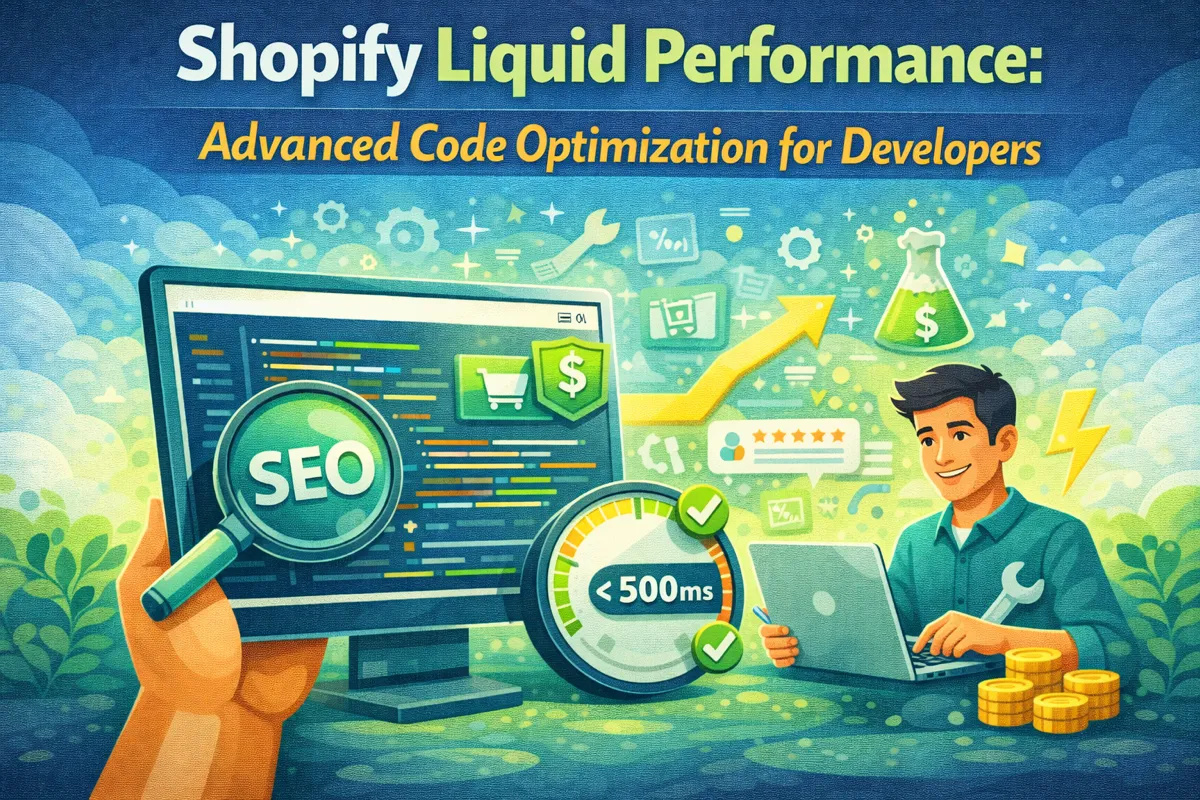
What is Shopify Liquid Optimization? It is the strategic refinement of Shopify's Ruby-based template language to minimize server-side processing time and reduce Document Object Model (DOM) complexity. By streamlining conditional logic, eliminating redundant loops, and optimizing render tags, developers can significantly improve Time to First Byte (TTFB) and Core Web Vitals, which are critical for maintaining search visibility following major algorithm updates.
The March Update signaled a shift in how Google evaluates technical debt, particularly on platforms like Shopify where "easy-install" apps often leave behind a trail of inefficient code. A shopify seo audit must now go deeper than meta tags; it requires a surgical examination of the theme's Liquid architecture to ensure the server isn't working harder than necessary to serve a page.
shopify liquid code editor optimization
Liquid bloat often manifests as deeply nested loops or excessive use of the include tag, which is less efficient than the modern render tag. When the Shopify engine encounters complex logic within a collection loop, it increases the server response time, creating a bottleneck that affects every subsequent performance metric.
Analyzing App-Injected Scripts and Their Impact on Interaction to Next Paint (INP)
Interaction to Next Paint (INP) has replaced First Input Delay as a core ranking signal, making the management of third-party JavaScript a top priority for Technical SEO. Shopify stores are notorious for "app-induced latency," where multiple apps inject scripts into the content_for_header object, blocking the main thread and delaying user interactions.
To audit this, developers must look beyond the Shopify Admin and inspect the rendered source code for scripts that load without defer or async attributes. High-impact apps like loyalty programs, reviews, and live chats often initialize immediately, hijacking the browser's ability to respond to clicks or scrolls.
 shopify product schema markup json-ld
- Identify all scripts loading through
{{ content_for_header }}by using browser developer tools to filter network requests by "JS." - Categorize scripts by their impact on the main thread using the Long Tasks API in Chrome DevTools.
- Implement Script Partytown or similar libraries to offload non-critical scripts to web workers.
- Move non-essential app initializations to the
window.addEventListener('load')event to prioritize the rendering of the primary UI. - Audit the theme's
theme.liquidfile for hard-coded script tags that bypass Shopify's native asset management.
Detecting and Removing Ghost Code from Uninstalled Shopify Apps
When an app is uninstalled from a Shopify store, it rarely removes the snippets or modifications it made to the theme files. This "ghost code" continues to execute or attempt to fetch external assets that no longer exist, leading to 404 errors in the console and unnecessary Liquid processing.
A thorough Shopify Theme Optimization involves a manual sweep of the snippets and assets folders for files prefixed with app names (e.g., app-name-init.liquid). Developers should also check theme.liquid for orphaned {% include 'app-snippet' %} tags that can cause the entire page to fail if the snippet was deleted but the call remains.
Removing these artifacts reduces the total weight of the Liquid layer and prevents the browser from wasting crawl budget on broken internal requests. It is a fundamental step in reclaiming performance lost to years of app experimentation.
Semantic Structure Audit: Beyond Basic Shopify Product Schema
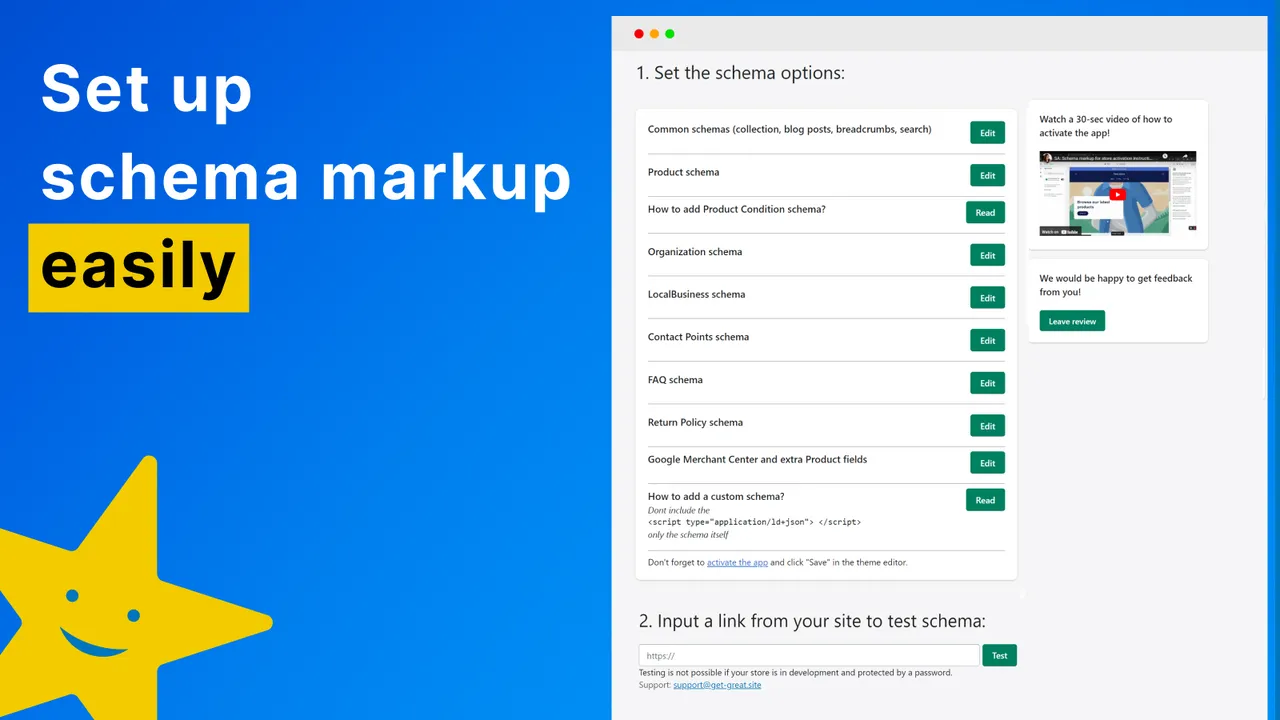
Standard Shopify themes provide basic Schema.org markup, but they often fail to capture the complexity required for modern rich snippets. Post-March Update recovery requires a more robust approach to structured data that connects the dots between products, collections, and brand authority.
The goal is to move away from isolated JSON-LD blocks and toward a nested, hierarchical graph that describes the entire store's entity relationship. This prevents Google from misinterpreting "scaled content" and helps establish the "Site Reputation" signal that the latest updates prioritize.
Implementing Advanced JSON-LD for Product Collections and Aggregate Ratings
Most Shopify stores omit ItemList schema on collection pages, missing an opportunity to define the relationship between products in a category. By implementing ItemList, you provide a clear roadmap for crawlers, indicating which products are the most relevant within a specific context.
Aggregate ratings should also be dynamically pulled into collection-level schema, not just individual product pages. This requires a custom Liquid snippet that aggregates the ratingValue and reviewCount from all products in a collection, providing a high-level authority signal to the Search Engine Results Page (SERP).
Ensure that the Brand and Organization entities are correctly linked across all pages. Using a consistent @id for your brand entity ensures that Google recognizes your store as a single, authoritative source of information rather than a collection of disconnected pages.
Resolving Schema Conflicts Between Shopify Themes and Third-Party SEO Apps
A common issue in Technical SEO for Shopify is "Schema Bloat," where both the theme and an SEO app (like JSON-LD for SEO or Yoast) output competing structured data blocks. This redundancy creates "Entity Confusion," where search engines receive conflicting information about prices, availability, or product names.
Developers must audit the source code for multiple ld+json blocks and decide on a single source of truth. If using a third-party app, the theme's native schema must be commented out or removed from the Liquid templates. Use the Schema Markup Validator to ensure that only one Product entity is present per page and that it contains no syntax errors.
Crawl Efficiency and the Shopify Robots.txt: Managing Filtered Collection Bloat
Shopify's automated collection filtering can create thousands of unique URLs for the same product set, leading to a massive waste of crawl budget. If left unmanaged, these filtered URLs can dilute internal link equity and cause "Crawl Traps" that prevent Google from discovering new or updated content.
The March Update emphasized the importance of efficient site structures. Stores with thousands of low-value, filtered pages often saw a decline in rankings as Google's crawlers prioritized sites with a cleaner, more intentional architecture. Managing this requires a combination of robots.txt.liquid customization and strategic canonicalization.
Using the Shopify Search & Discovery App to Control Indexation Signals
The Shopify Search & Discovery app allows merchants to manage filters, but it doesn't automatically handle the SEO implications of those filters. From a technical perspective, you must ensure that filters that do not provide unique value (like "Color: Blue" vs "Color: Navy") are not being indexed separately.
Customizing the robots.txt.liquid file is now possible on all Shopify plans, allowing you to explicitly disallow patterns like /*?filter.*. This prevents crawlers from entering the "rabbit hole" of infinite filter combinations while still allowing users to navigate the site effectively.
Furthermore, ensure that the meta name="robots" content="noindex" tag is dynamically applied to filtered pages that do not meet a specific search volume threshold. This provides a secondary layer of protection against index bloat if the robots.txt is ignored.
Auditing Canonical Loops in Paginated Collection Pages
Pagination is another area where Shopify stores often struggle with Technical SEO. Many themes incorrectly point the canonical tag of every paginated page (e.g., /collections/all?page=2) back to the first page (/collections/all). This is a mistake; each paginated page should be self-canonicalizing to ensure that all products are crawled and indexed.
A "Canonical Loop" occurs when redirects and canonical tags conflict, leading to a state where the crawler cannot determine the authoritative URL. Audit your theme's head section to ensure the canonical_url variable is being used correctly and isn't being overridden by hard-coded logic or app scripts.
For large-scale merchants, a Shopify Plus Consulting engagement can help architect a custom pagination strategy that uses AJAX for user experience while maintaining a clean, crawlable URL structure for search engines.
Content Quality vs. Technical Debt: Identifying 'Thin' Automated Pages
The March Update was particularly harsh on sites with "scaled content" that lacked original value. In the context of Shopify, this often refers to automated tag pages, vendor archives, and product descriptions that are either copied from manufacturers or generated en masse by AI without human oversight.
Technical debt isn't just about code; it's also about the accumulation of low-quality pages that dilute the overall authority of the domain. Identifying and pruning these pages is a critical component of any post-update recovery strategy.
Pruning Low-Value Tag Pages and Vendor-Generated Archives
Shopify automatically generates pages for every product tag and vendor, often creating hundreds of pages with identical content and only one or two products. These are the definition of "thin content" and can trigger helpful content penalties.
Audit your site's index using the site:yourstore.com operator or Google Search Console's "Pages" report. If you see a high volume of URLs containing /collections/vendors?q= or /collections/types?q=, these should likely be set to noindex or redirected to a more relevant, high-value collection page.
Pruning these pages concentrates link equity into your primary collections and products, signaling to Google that every page on your site serves a distinct and valuable purpose for the user.
Evaluating the Impact of AI-Generated Product Descriptions on Helpful Content Signals
While AI tools can speed up content creation, Shopify stores that rely on unedited AI descriptions often fail the "Helpful Content" test. Google's systems are increasingly adept at identifying content that lacks "Experience, Expertise, Authoritativeness, and Trustworthiness" (E-E-A-T).
To recover, audit your product descriptions for generic phrasing and lack of specific product details. High-performing Shopify stores use technical specifications, unique use-case descriptions, and customer-centric language that AI often misses. If you have thousands of products, prioritize your top 20% of revenue-generating items for a manual content overhaul.
The Site Reputation Signal: Auditing Shopify Plus Subdomains and Third-Party Integrations
The "Site Reputation" signal is a relatively new focus that penalizes domains for hosting low-quality third-party content or having poorly secured subdomains. For Shopify Plus merchants, this often relates to headless deployments, subdomains for landing pages (like Unbounce or Instapage), or customer service portals.
If a subdomain is hit by a penalty, it can potentially affect the reputation of the root domain. Ensuring a cohesive technical and security standard across all subdomains is vital for maintaining the integrity of the primary Shopify store.
Securing Cross-Domain Tracking and SSL Integrity for Headless Shopify Deployments
Headless Shopify setups often involve a frontend hosted on platforms like Vercel or Netlify, while the backend remains on Shopify. This creates a complex environment for Technical SEO, particularly regarding cross-domain tracking and SSL consistency.
Ensure that all subdomains use the same SSL certificate provider or maintain identical security headers (HSTS, CSP). Inconsistencies in security protocols can lead to "mixed content" warnings, which negatively impact user trust and search rankings.
Furthermore, verify that your cross-domain tracking is correctly configured in Google Analytics 4 (GA4). If a user's session is broken when moving from a headless blog to the Shopify checkout, it skews your data and makes it impossible to accurately measure the impact of your SEO efforts on conversion rates.
By addressing these technical friction points—from the Liquid layer to the site's reputation signals—Shopify merchants can build a resilient foundation that not only recovers from performance volatility but excels in an increasingly competitive SERP landscape.
Frequently Asked Questions
What is a Shopify SEO audit?
A Shopify SEO audit is a comprehensive evaluation of an online store's technical health, on-page elements, and backlink profile specifically tailored to the Shopify platform's unique architecture. Unlike general audits, it focuses on platform-specific issues like Liquid code efficiency, app-induced JavaScript bloat, and the management of automated collection filters to ensure optimal search engine crawling and indexing.
How do I improve Interaction to Next Paint (INP) on Shopify?
To improve INP on Shopify, you must minimize main-thread work by auditing third-party scripts. Start by identifying heavy apps in the 'content_for_header' object, then use the 'defer' or 'async' attributes for non-critical JavaScript. Additionally, offloading scripts to web workers using libraries like Partytown or delaying app initialization until after the initial page load can significantly enhance responsiveness and user interaction speeds.
How did the March Update impact Shopify stores?
The March Update significantly altered how Google evaluates technical debt and site reputation, particularly for e-commerce platforms like Shopify. For many stores, the update targeted 'scaled content' and inefficient site architectures that resulted from excessive app-injected scripts and orphaned code. To recover, a shopify seo audit must prioritize the removal of 'ghost code' from uninstalled apps and the optimization of the Liquid layer to improve Time to First Byte (TTFB). Furthermore, Google's focus on Interaction to Next Paint (INP) means that managing third-party JavaScript—often the primary culprit in Shopify performance lag—is no longer optional. Merchants must transition from basic meta-tag SEO to a more holistic Technical SEO approach that includes advanced JSON-LD schema, efficient crawl management via robots.txt customization, and the pruning of low-value, automated tag pages. By addressing these deep-seated technical issues, Shopify stores can demonstrate the E-E-A-T signals required to regain authority and stabilize rankings in a volatile search landscape.
What is 'ghost code' in Shopify?
'Ghost code' refers to the residual Liquid snippets, asset files, and script modifications left behind in a Shopify theme after an app has been uninstalled. Because Shopify does not automatically revert theme changes upon app removal, these orphaned files can continue to execute, causing 404 errors, increasing server response times, and creating technical debt that negatively impacts SEO performance.

Ecommerce manager, Shopify & Shopify Plus consultant with 10+ years of experience helping enterprise brands scale their ecommerce operations. Certified Shopify Partner with 130+ successful store migrations.