- The Shop Campaigns Paradox: Incremental Growth vs. Margin Erosion
- Understanding the Shop Cash Ecosystem and its Impact on Unit Economics
- Decoding Shopify Shop Campaigns Attribution: Last-Click vs. The Halo Effect
- Why Standard Shopify Analytics Might Overstate Shop App Performance
- Identifying Paid Cannibalization: A Data-Driven Audit for Shopify Plus Merchants
- Analyzing the Intersection of Shop App Users and Existing Email/SMS Lists
- The Information Gain: Using Shop Audiences to Filter for True New-to-Brand Customers
- Benchmarking Shop Campaign CAC Against Meta and Google Shopping
- Optimization Framework: Scaling Shop Campaigns Without Cannibalizing Direct Sales
- Setting Guardrails: When to Aggressively Bid and When to Retract
- Related Reading
The Shop Campaigns Paradox: Incremental Growth vs. Margin Erosion
What are Shop Campaigns? Shop Campaigns are a performance marketing tool within the Shopify ecosystem that allows merchants to acquire new customers by offering Shop Cash incentives exclusively within the Shop App. By leveraging Shopify’s first-party data, these campaigns target high-intent shoppers, driving conversion through a frictionless Shop Pay checkout experience while subsidizing customer acquisition costs.
For high-volume merchants, Shop Campaigns present a strategic dichotomy. On one hand, they offer access to millions of users already logged into Shop Pay, significantly reducing friction in the mobile commerce funnel. On the other hand, the aggressive use of Shop Cash incentives can lead to a "race to the bottom" where margins are sacrificed for top-line revenue growth that may not be truly incremental.
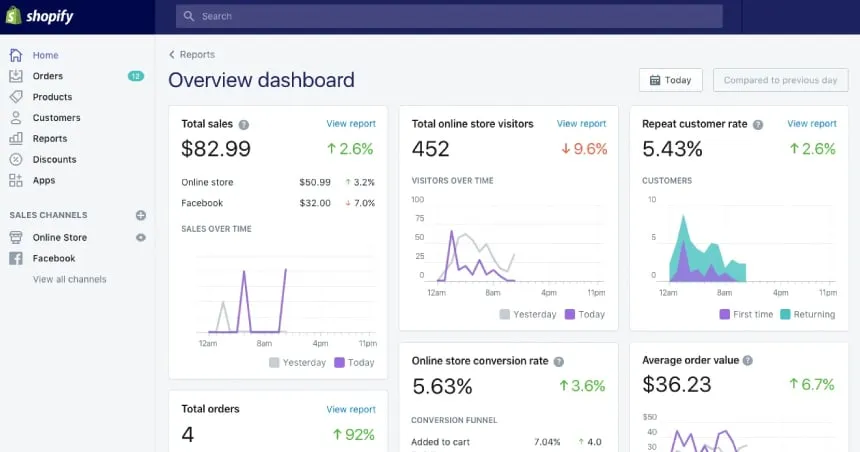
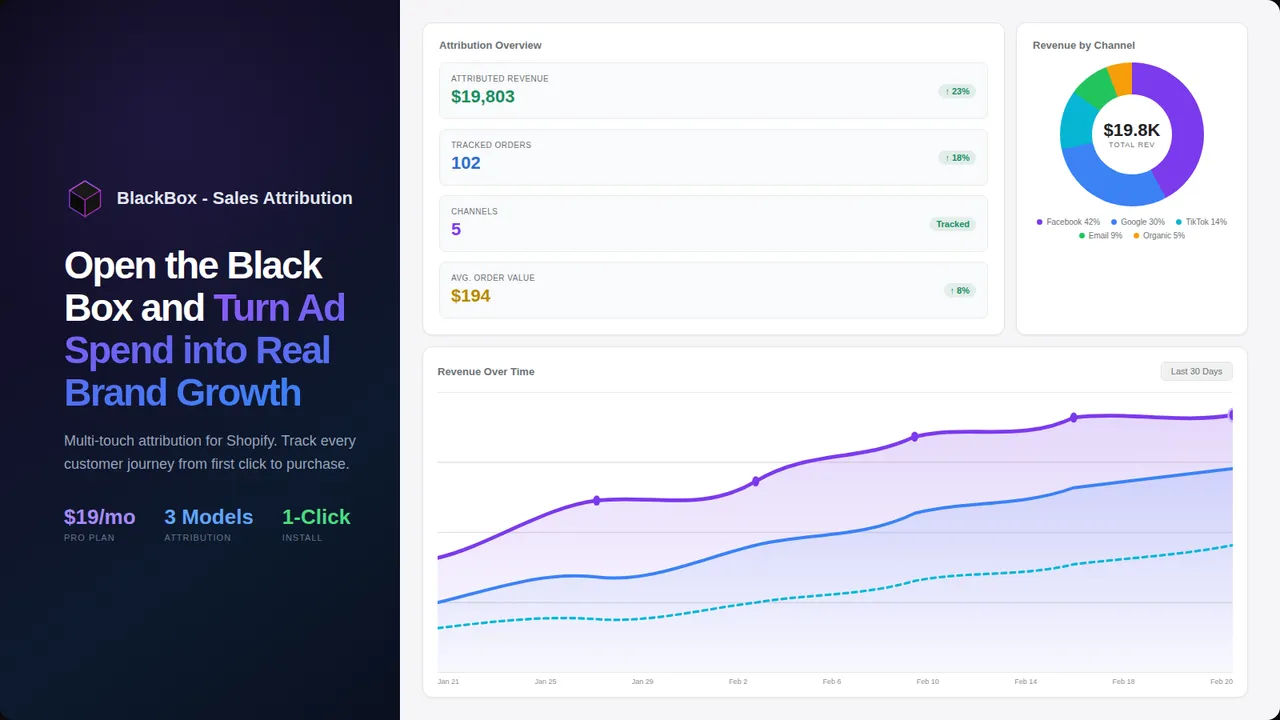
shopify analytics revenue attribution chart
The paradox lies in the nature of the Shop App user. These are often savvy shoppers who have already interacted with Shopify-powered brands. If a merchant is not careful, Shop Campaigns can shift from a New Customer Acquisition (NCA) engine to a high-cost discounting mechanism for customers who were already planning to purchase.
Understanding the Shop Cash Ecosystem and its Impact on Unit Economics
Shop Cash is a digital currency earned by shoppers through Shop Pay transactions. When a merchant participates in Shop Campaigns, they essentially "boost" the value of this currency. For example, a $5 Shop Cash balance might be worth $15 at a specific storefront, with the merchant funding the delta.
This subsidy directly impacts your unit economics. While Shopify Marketing reports might show a high ROAS, that figure often ignores the cost of the Shop Cash multiplier. You must calculate your "Net ROAS" by subtracting the incentive cost from the gross margin of the attributed sales.
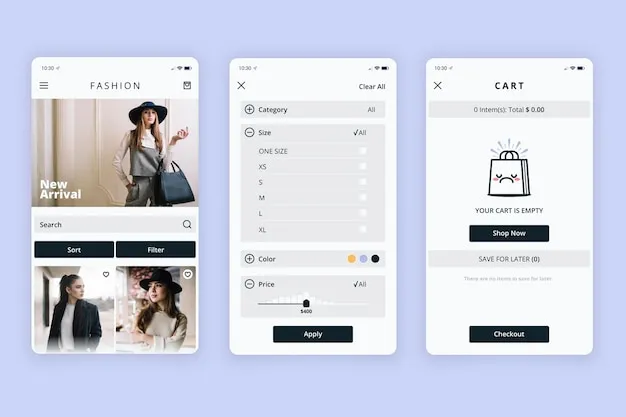 shop app mobile checkout interface
- Gross Margin Compression: Aggressive boosting of Shop Cash can eat 20-40% of the product margin before accounting for shipping or COGS.
- Mercenary Behavior: High incentives attract "one-and-done" shoppers who only convert when a significant subsidy is present, leading to lower Lifetime Value (LTV).
- Platform Dependency: Over-reliance on Shop App traffic can atrophy a brand's direct-to-consumer (DTC) muscles, making them vulnerable to platform algorithm shifts.
Decoding Shopify Shop Campaigns Attribution: Last-Click vs. The Halo Effect
Attribution in the Shop App ecosystem operates differently than standard web-based tracking. Because the entire journey—from discovery to Shop Pay Checkout—happens within a logged-in environment, Shopify has near-perfect visibility into the user path. However, this "perfect" data can be misleading for merchants used to Meta or Google attribution models.
Shop Campaigns typically utilize a 30-day click-through and 24-hour view-through attribution window. This generous window often captures users who were already browsing the app for your brand. This leads to the "Halo Effect," where the campaign claims credit for sales that would have likely occurred organically through the app's recommendation engine.
Why Standard Shopify Analytics Might Overstate Shop App Performance
Standard analytics dashboards often fail to distinguish between a "Shop Campaign" lead and an "Organic Shop App" lead. If a user sees your ad in the Shop App but clicks your organic listing instead, the attribution logic may still credit the paid campaign. This creates an inflated sense of Return on Ad Spend (ROAS) while masking the reality of paid cannibalization.
Furthermore, the Shop App serves as a post-purchase tracking tool for millions. Users opening the app to track an existing order from another brand may be served your "New Customer" offer. If they were already on your site via a mobile browser and switched to the app to complete the purchase, the campaign takes 100% credit for a sale that started elsewhere.
Identifying Paid Cannibalization: A Data-Driven Audit for Shopify Plus Merchants
To determine if your campaigns are driving true growth, you must conduct a cannibalization audit. This involves comparing the behavior of users acquired through Shop Campaigns against those acquired through organic search and paid social. For enterprise brands, this level of analysis is a core component of Shopify Plus Consulting to ensure marketing spend is optimized for incrementality.
The primary indicator of cannibalization is a high overlap between your Shop Campaign converters and your existing customer database. If more than 15% of your "new" customers in the Shop App already exist in your Shopify admin under a different email or have a high device-ID match with existing profiles, you are paying to re-acquire your own audience.
Analyzing the Intersection of Shop App Users and Existing Email/SMS Lists
The most dangerous form of cannibalization occurs when Shop Campaigns intercept users who are already in your retention funnels. When a user receives a "Back in Stock" SMS and then sees a Shop Cash offer in the app, they will naturally choose the incentivized path. This turns your Customer Acquisition Cost (CAC) into a redundant expense.
- List Suppression: Unlike Meta, the Shop App does not currently allow for robust suppression of existing email lists within the campaign settings.
- Discount Stacking: Ensure that Shop Cash incentives do not stack with active site-wide discount codes, which can lead to negative-margin orders.
- Attribution Overlap: Cross-reference your Klaviyo or Attentive conversion data with Shop Campaign reports to identify "double-counted" revenue.
The Information Gain: Using Shop Audiences to Filter for True New-to-Brand Customers
To combat cannibalization, sophisticated merchants leverage Shop Audiences. This tool uses Shopify's aggregate data across the entire platform to identify shoppers who have never purchased from your brand but have shown high intent in your category. By pairing Shop Audiences with Shop Campaigns, you move from "spray and pray" to precision targeting.
This integration provides significant Information Gain. You are no longer just bidding on "Shop App Users"; you are bidding on "High-Intent Fashion Shoppers who have never purchased from [Your Brand]." This distinction is the key to maintaining a healthy New Customer Acquisition (NCA) rate.
Benchmarking Shop Campaign CAC Against Meta and Google Shopping
To evaluate the efficiency of Shop Campaigns, they must be benchmarked against your primary acquisition channels. The following table illustrates the typical performance profile for a mid-to-large scale Shopify merchant.
Metric Shop Campaigns Meta Ads Google Shopping Primary Attribution Last-Click (In-App) 7-Day Click / 1-Day View Last-Click (Web) Typical CAC Low (Subsidized) Moderate to High Moderate Cannibalization Risk High (Internal) Low Medium (Brand Search) Data Privacy First-party (Closed Loop) Third-party (Modeled) First-party (Intent) Scalability Capped by App Traffic High HighWhile Shop Campaigns often show the lowest CAC, this is frequently a result of the Shop Cash Incentives acting as a direct price reduction. When the subsidy is removed, the "True CAC" often aligns more closely with Google Shopping's non-brand performance.
Optimization Framework: Scaling Shop Campaigns Without Cannibalizing Direct Sales
Scaling Shop Campaigns requires a structured approach to ensure that every dollar spent is driving Incremental Revenue. This is not a "set it and forget it" channel. It requires constant tuning of the offer strength and audience filters. If your conversion rates on the web are lagging while the app thrives, you may need Shopify CRO Consulting to balance the experience across all touchpoints.
Follow these sequential steps to optimize your Shop Campaigns for growth rather than cannibalization:
- Establish a Baseline: Run your Shop App presence organically for 30 days to measure the "natural" flow of orders without paid incentives.
- Define the NCA Threshold: Set a maximum allowable "Existing Customer" overlap percentage (e.g., 10%) before pausing a campaign.
- Implement Tiered Incentives: Start with a low Shop Cash multiplier (e.g., 1.5x) and only increase it if the volume of new-to-brand customers fails to meet targets.
- Analyze LTV by Channel: Use a tool like Triple Whale or Northbeam to track the 60-day and 90-day LTV of customers acquired via Shop Campaigns versus Meta.
- Monitor Brand Search Volume: If organic brand search on Google drops while Shop Campaign spend rises, you are likely shifting existing demand rather than creating new demand.
Setting Guardrails: When to Aggressively Bid and When to Retract
The decision to scale Shop Campaigns should be governed by your inventory levels and contribution margin goals. Because the Shop App Ecosystem is highly sensitive to price and incentives, aggressive bidding can quickly lead to stockouts of your highest-margin items, leaving you with lower-margin "filler" inventory for your direct site traffic.
Aggressively Bid When:
- You have excess inventory of high-margin, entry-level products perfect for brand discovery.
- Your Meta and Google CACs have exceeded your break-even point, and you need an alternative volume source.
- You are launching a new product and need immediate First-party data signals to feed Shopify’s recommendation engine.
Retract or Pause When:
- The percentage of "Returning Customers" attributed to Shop Campaigns exceeds 20%.
- The "Net ROAS" (after incentive costs) falls below your blended account target.
- You observe a significant decay in the Lifetime Value (LTV) of Shop App cohorts compared to web-based cohorts.
In conclusion, Shop Campaigns are a powerful tool for Shopify Marketing, but they are not a silver bullet. The risk of paid cannibalization is real and can be masked by the platform's internal attribution logic. By treating the Shop App as a specific cohort rather than a general sales channel, and by rigorously auditing for incrementality, merchants can harness Shop Cash to drive genuine growth without eroding their hard-earned margins.
Frequently Asked Questions
What are Shopify Shop Campaigns?
Shop Campaigns are a performance marketing tool within the Shopify ecosystem that allows merchants to acquire new customers by offering Shop Cash incentives exclusively within the Shop App. By leveraging Shopify’s first-party data, these campaigns target high-intent shoppers, driving conversion through a frictionless Shop Pay checkout experience while subsidizing customer acquisition costs.
How does shopify shop campaigns attribution work?
Shopify shop campaigns attribution operates within a closed-loop ecosystem, primarily utilizing a 30-day click-through and a 24-hour view-through window. Because the entire user journey—from discovery in the Shop App to the final Shop Pay checkout—occurs within Shopify’s authenticated environment, the platform maintains high visibility into user behavior. However, this model often creates a "Halo Effect," where the campaign claims credit for sales that might have occurred organically through the app's recommendation engine or via direct brand searches. For high-volume merchants, this means that while the reported Return on Ad Spend (ROAS) may appear exceptionally high, it often fails to account for the cost of Shop Cash incentives or the potential overlap with existing customer retention funnels. To accurately measure performance, brands must calculate "Net ROAS" by subtracting the merchant-funded Shop Cash multiplier from the gross margin of attributed sales, ensuring that the marketing spend is driving truly incremental customer acquisition rather than simply discounting orders for existing fans.
How do I prevent paid cannibalization in the Shop App?
To prevent cannibalization, merchants should use Shop Audiences to target only new-to-brand customers, establish a baseline of organic Shop App sales before launching paid campaigns, and monitor the overlap between campaign converters and existing email/SMS lists.

Ecommerce manager, Shopify & Shopify Plus consultant with 10+ years of experience helping enterprise brands scale their ecommerce operations. Certified Shopify Partner with 130+ successful store migrations.